
Overview
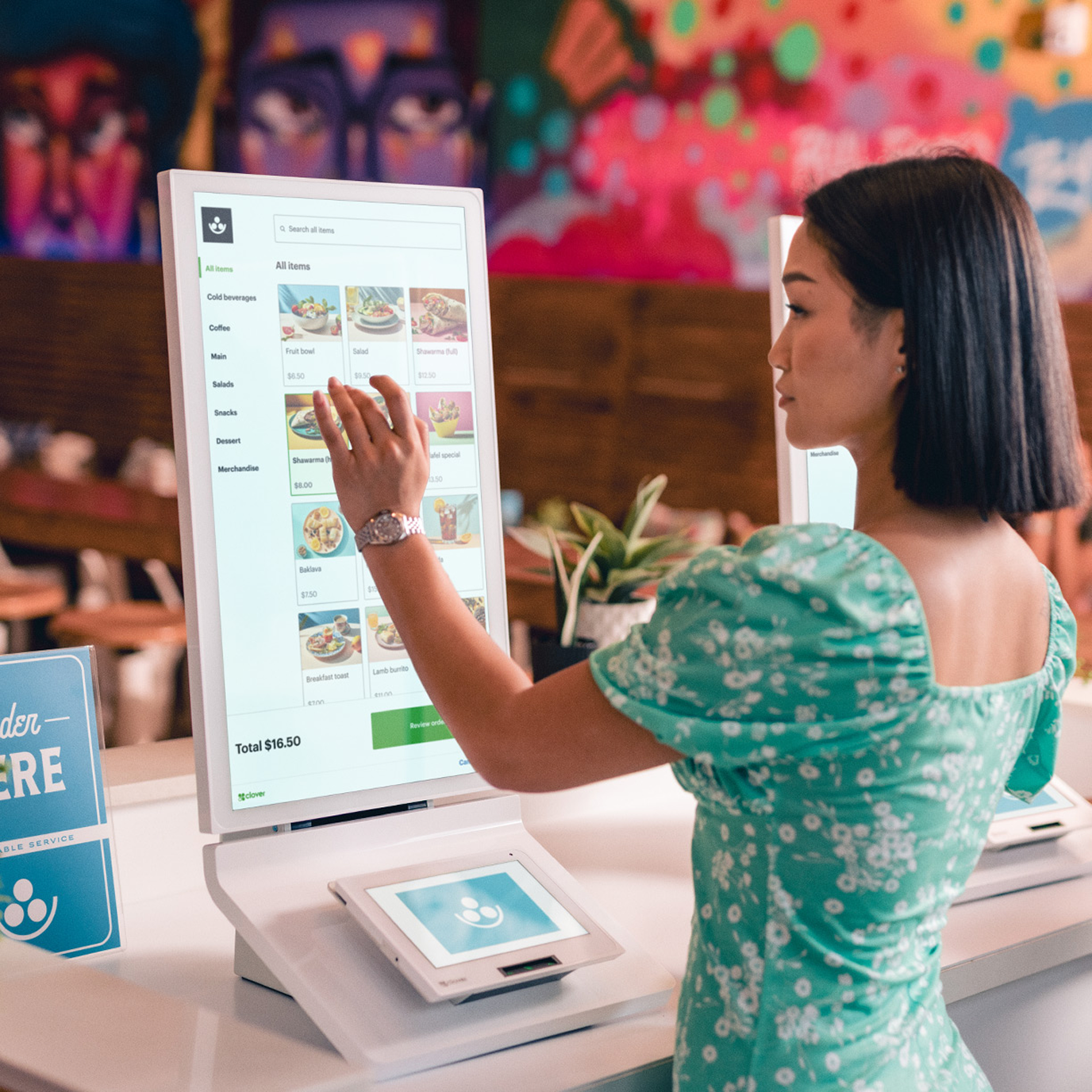
The Clover Kiosk lets customers order and pay on their own. A large touchscreen shows your menu by category with photos and prices, a running total, and an order review step, while a built-in payment terminal below the screen takes the card payment.
Key Features
Customers order at their own pace
A full-height touchscreen shows menu categories, a search bar, and photo menu items with prices, so guests can browse, add items, and review their order without waiting in line.
Pay right at the kiosk
A payment terminal built into the base lets customers finish the order and pay on the spot, with a running total always visible on screen.
Specifications
Display
Connectivity
Card reader
Battery
Dimensions
Weight
What's Included
Card Reader
USB Charging Cable
Decal & Marketing Kit
Setup & Installation Guide

Pricing is custom to your business — let's talk. Every setup is different. We'll walk you through it personally — no call centers, no automated quotes.
Talk to UsFrequently Asked Questions
Will training take too much time?
Not at all. Our system is very easy to use, and training takes only about 10-20 minutes.
How long does shipping and setup take?
We ship your hardware within 2 business days, and our team provides personal, hands-on installation support to get you up and running fast.
Can I keep my existing merchant account?
To get our lowest rates and free hardware options, you will need to process through our secure network, which we will set up for you.
What happens if my system goes down?
You get direct access to real, local support people who can troubleshoot and replace hardware overnight if needed.